Streamer sa musique depuis Koel
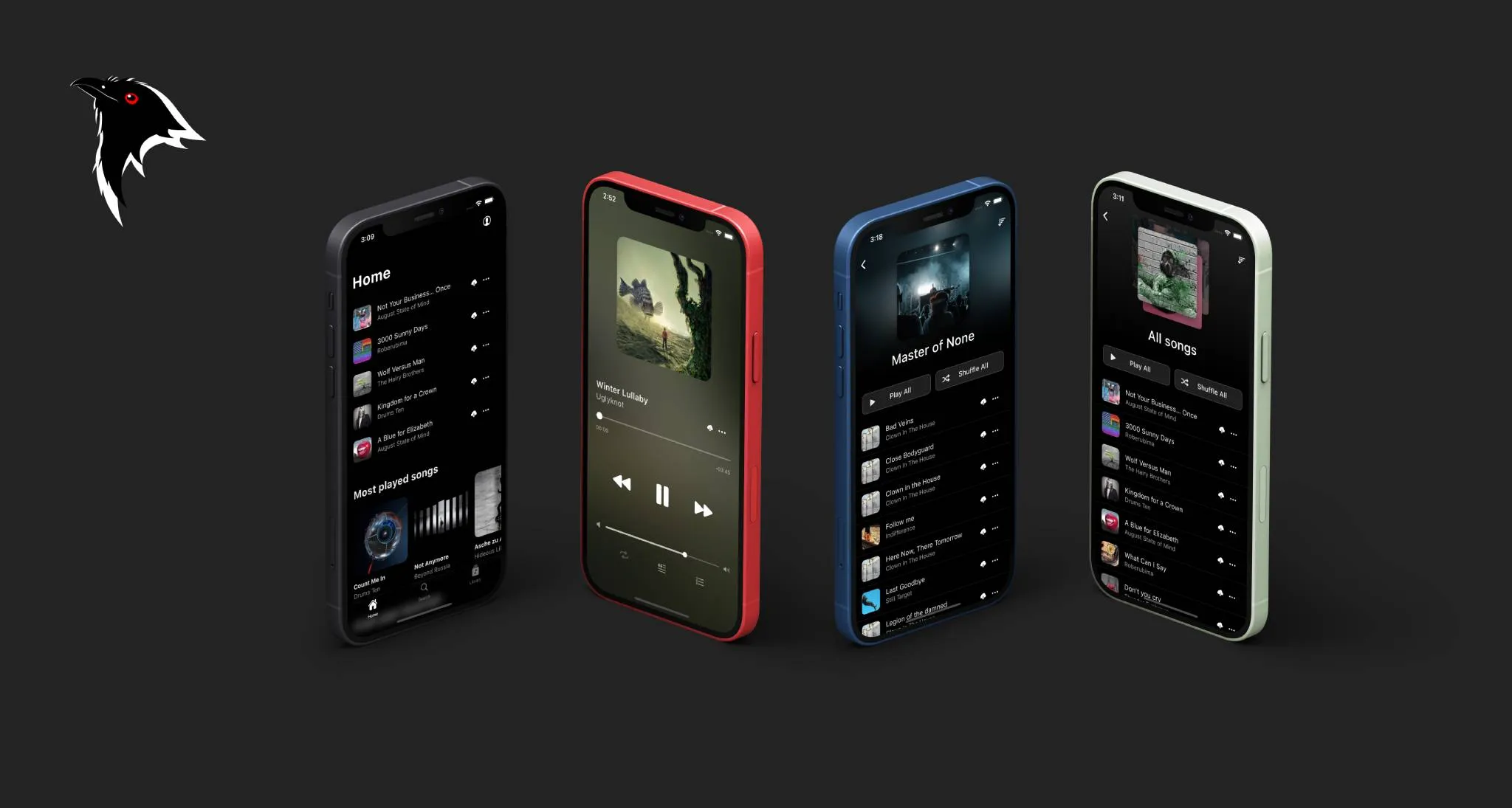
Koel est un streamer musical self-hosted avec une interface proche de Spotify. Support FLAC (transcodage FFmpeg), gestion de comptes, interface mobile. Activement maintenu (v6+).
Docker (recommandé)
La méthode la plus simple. On crée un docker-compose.yml :
services:
  koel:
    image: ghcr.io/koel/koel:latest
    ports:
      - "80:80"
    environment:
      DB_CONNECTION: mysql
      DB_HOST: db
      DB_PORT: 3306
      DB_DATABASE: koel
      DB_USERNAME: koel
      DB_PASSWORD: koelpassword
      APP_KEY: ""
      FORCE_HTTPS: "false"  # passer à true derrière un reverse proxy HTTPS
    volumes:
      - music:/music
      - storage:/var/www/html/public/img/storage
      - search_index:/var/www/html/storage/search-indexes
    depends_on:
      db:
        condition: service_healthy

  db:
    image: mysql:8
    environment:
      MYSQL_DATABASE: koel
      MYSQL_USER: koel
      MYSQL_PASSWORD: koelpassword
      MYSQL_ROOT_PASSWORD: rootpassword
    volumes:
      - mysql_data:/var/lib/mysql
    healthcheck:
      test: ["CMD", "mysqladmin", "ping", "-h", "localhost"]
      interval: 10s
      timeout: 5s
      retries: 5

volumes:
  music:
  storage:
  search_index:
  mysql_data:
On lance :
Au premier démarrage, Koel génère une APP_KEY automatiquement. On la récupère et on la fixe dans le compose :
L'interface est accessible sur http://localhost. Identifiants par défaut : admin@koel.dev / KoelIsCool.
Installation manuelle
Prérequis
- PHP 8.2+ avec les extensions :
BCMath,Ctype,Fileinfo,GD,JSON,Mbstring,OpenSSL,PDO,Tokenizer,XML,zip,curl - Node.js 18+ et pnpm
- Composer
- MySQL 8+ ou MariaDB 10.6+
- FFmpeg (optionnel, pour le transcodage FLAC)
apt install php8.2 php8.2-{bcmath,gd,mbstring,xml,zip,curl,mysql} \
    composer nodejs mysql-server ffmpeg
npm install -g pnpm
Base de données
CREATE DATABASE koel DEFAULT CHARACTER SET utf8mb4 DEFAULT COLLATE utf8mb4_unicode_ci;
CREATE USER 'koel'@'localhost' IDENTIFIED BY 'koelpassword';
GRANT ALL PRIVILEGES ON koel.* TO 'koel'@'localhost';
FLUSH PRIVILEGES;
Installation
git clone https://github.com/koel/koel.git /var/www/koel
cd /var/www/koel
composer install --no-dev
pnpm install
Initialisation et configuration
composer koel:init gère tout en une commande : migrations, génération de clé, création du compte admin et build des assets :
Pour une install sans build des assets (archive pré-compilée) :
Le compte admin par défaut : admin@koel.dev / KoelIsCool - à changer immédiatement.
Les variables essentielles à vérifier dans .env après init :
DB_CONNECTION=mysql
DB_HOST=127.0.0.1
DB_DATABASE=koel
DB_USERNAME=koel
DB_PASSWORD=koelpassword

# Dossier contenant la musique
MEDIA_PATH=/var/www/koel/music

# Transcodage FLAC → MP3
FFMPEG_PATH=/usr/bin/ffmpeg
OUTPUT_BIT_RATE=256

# Optionnel : Last.fm
LASTFM_API_KEY=
LASTFM_API_SECRET=
Droits
Nginx
server {
    listen 80;
    server_name music.example.com;
    return 301 https://$host$request_uri;
}

server {
    listen 443 ssl;
    server_name music.example.com;
    root /var/www/koel/public;

    ssl_certificate /etc/ssl/private/certificate.crt;
    ssl_certificate_key /etc/ssl/private/certificate.key;

    index index.php;

    location / {
        try_files $uri $uri/ /index.php?$query_string;
    }

    location ~ \.php$ {
        fastcgi_pass unix:/run/php/php8.2-fpm.sock;
        fastcgi_param SCRIPT_FILENAME $realpath_root$fastcgi_script_name;
        include fastcgi_params;
    }
}
Synchronisation de la bibliothèque
En manuel ou pour forcer un re-scan :
En cron pour une sync automatique :
En Docker :